

Meet Amazon product image requirements at scale with PicForge
Easily format product images to fit Amazon’s strict standards at any volume with PicForge. Fast background removal, precise sizing, and instant compliance.
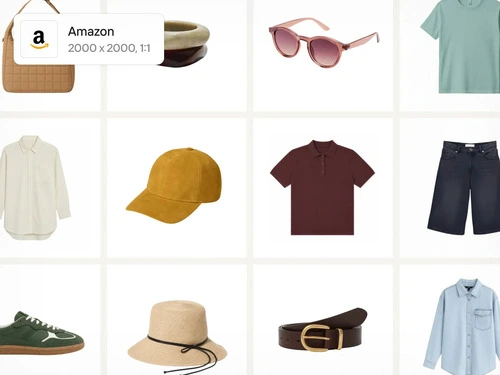
How PicForge ensures 100% Amazon image compliance
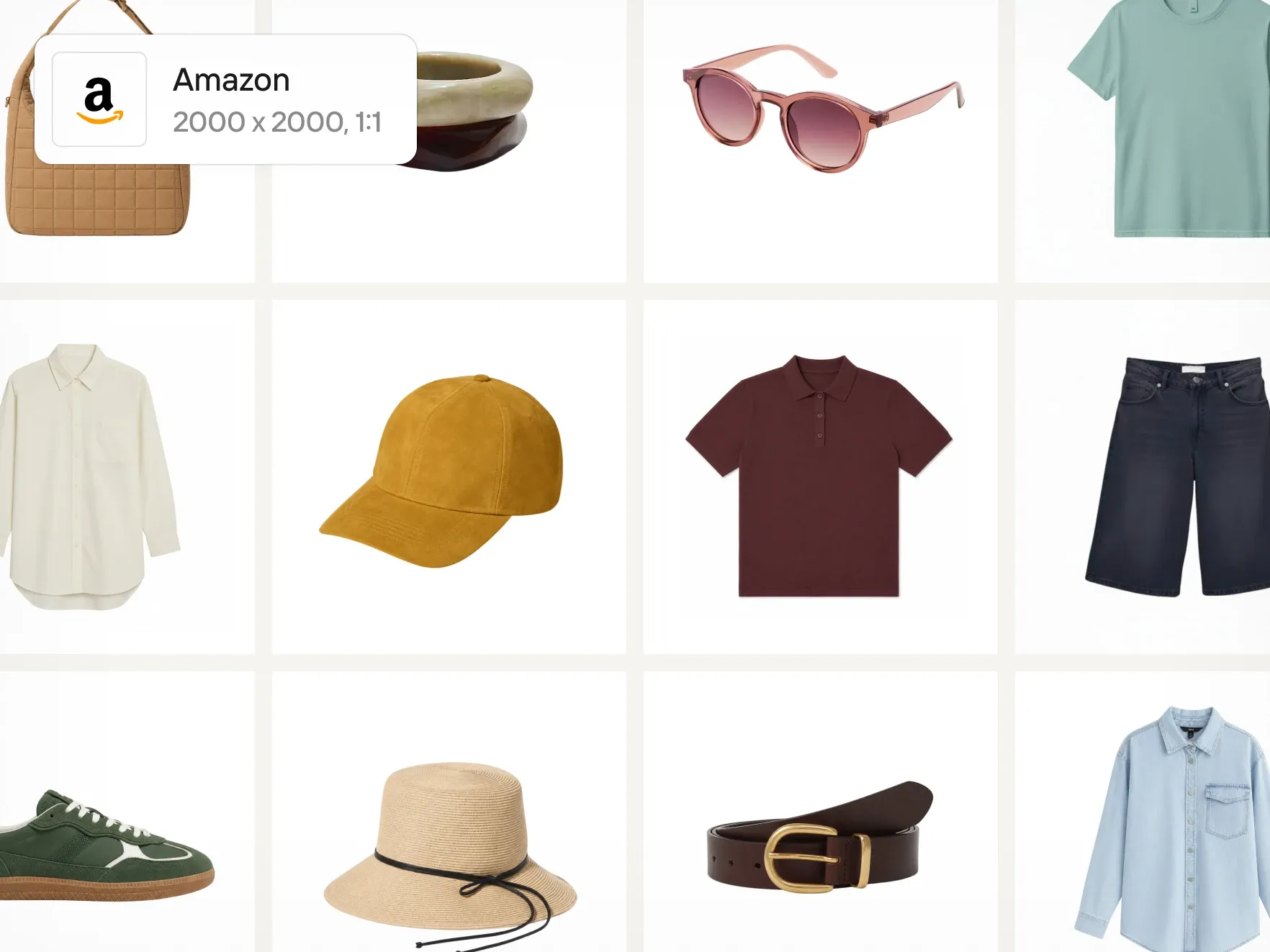
Clean white background for every SKU
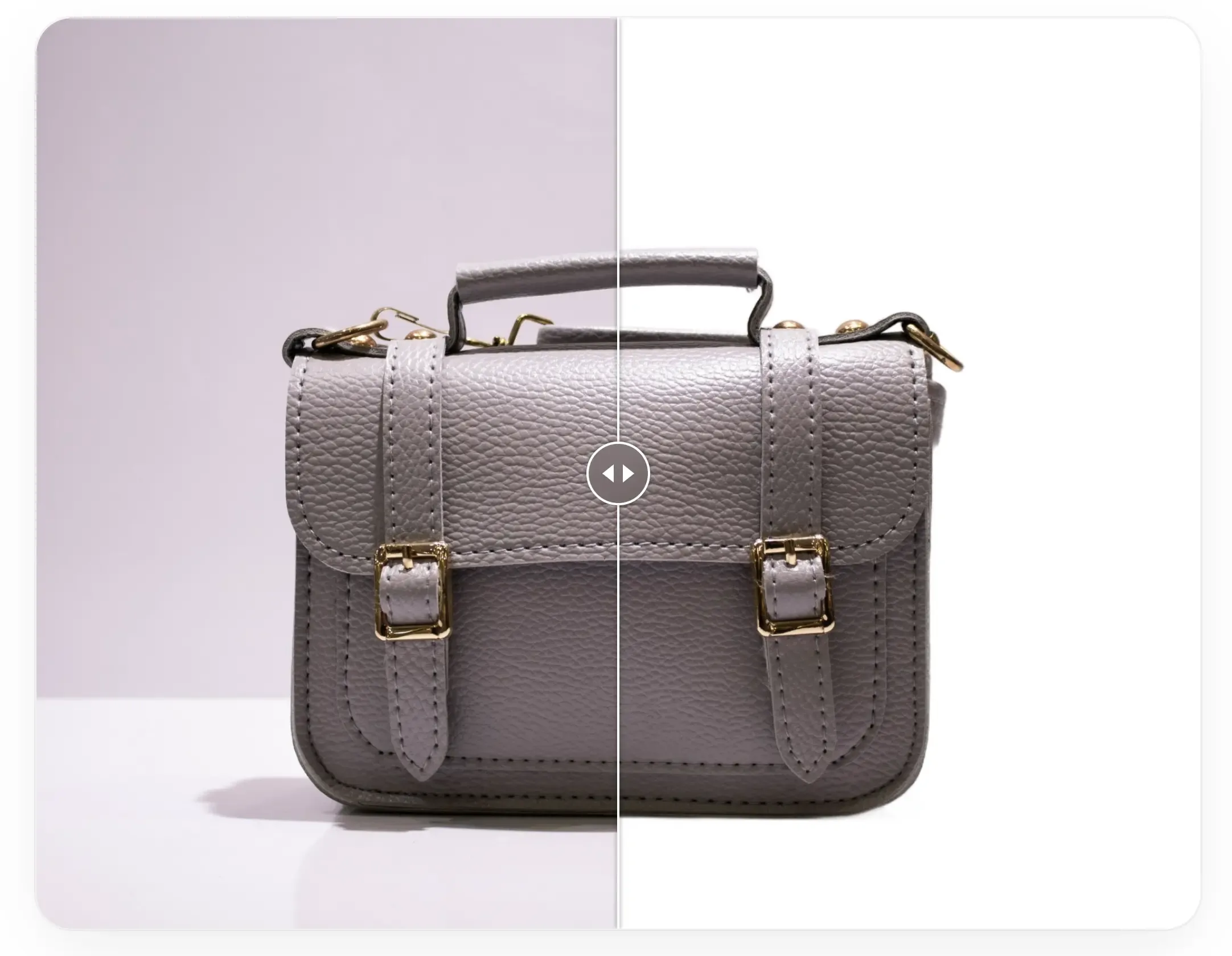
Amazon mandates pure white backgrounds for all main product images, and failing to meet this requirement can lead to automatic listing suppression. With PicForge’s AI background remover, you can instantly erase any backdrop from your product visuals and replace it with pure white (RGB 255, 255, 255). Make your photos marketplace-ready in seconds—no photo studio or tedious manual editing required.
Catalog-scale compliance
Amazon mandates a pure white background for every primary product photo. Non-compliant listings risk immediate suppression on the platform. PicForge’s AI background remover streamlines this requirement by instantly clearing the backdrop from any product shot and replacing it with solid white (RGB 255, 255, 255)—delivering fully compliant, listing-ready assets without expensive studio setups or lengthy post-production.

Listing-wide product image consistency
Your product images must do more than meet requirements—they must accurately reflect your brand identity. With PicForge’s brand kit, you can store logos, fonts, and custom color palettes in a single centralized location. Easily apply these brand assets across entire catalogs in batch mode, or automatically integrate them into newly generated product photos to ensure seamless visual harmony across every listing.
How to use
How to use PicForge to produce Amazon product photography
Upload and refine your images
Upload your product images to PicForge, then use Background Remover to cleanly erase original backdrops and apply the solid white preset to every main product image.
Style and brand your marketplace visuals
For secondary listing images, leverage tools like Product Staging and AI Fashion Models to generate realistic lifestyle and on-model photos, apply your Brand Kit to supplementary visuals, and format all files to align with Amazon’s required image specifications.
Batch process and export your files
Use Batch mode to apply these edits across up to 250 images simultaneously, then export your fully compliant assets and upload them directly to Amazon Seller Central.
Testimonials
Trusted by brands that sell at first sight
" Expanded Instagram reach from 7K to 85M views in twelve months "

- Thomas Israel C.E.O
" Seamless to implement, dependable at scale "

- Carl Oliver P.A
" Boosted sales by 500% "

- Barbara McIntosh M.D
" Generated over 3M social shares through a global viral campaign "

- Jill Webb Manager
What are Amazon's main image requirements for product listings?
Main product photos on Amazon require a pure white background (RGB 255, 255, 255). Items must occupy at least 85% of the frame with no added text, logos, overlays, or unincluded props. Dimensions should range from 500 to 10,000 pixels on the longest side, with a minimum of 1,000 pixels recommended to enable Amazon's zoom functionality.
What happens if your product images don't meet Amazon’s requirements?
Non-compliant images are automatically detected and suppressed by Amazon. Suppressed listings are hidden from buyer search results, halting sales until fixed. While primary images strictly require pure white backgrounds, secondary photos allow lifestyle and contextual settings to engage shoppers.
How does PicForge help sellers meet Amazon's white background requirement?
PicForge uses AI Background Remover to isolate your products cleanly without rough edges. You can apply pure white backgrounds to up to 250 photos simultaneously or scale further using the PicForge API—ensuring full compliance without additional photoshoots.
Can PicForge process Amazon images in bulk?
Yes, PicForge Batch mode applies uniform background removal, formatting, and resolution adjustments across 250 photos in one run. For secondary visuals, you can combine Batch mode with Product Staging and AI Fashion Models to create lifelike assets across your entire inventory.